
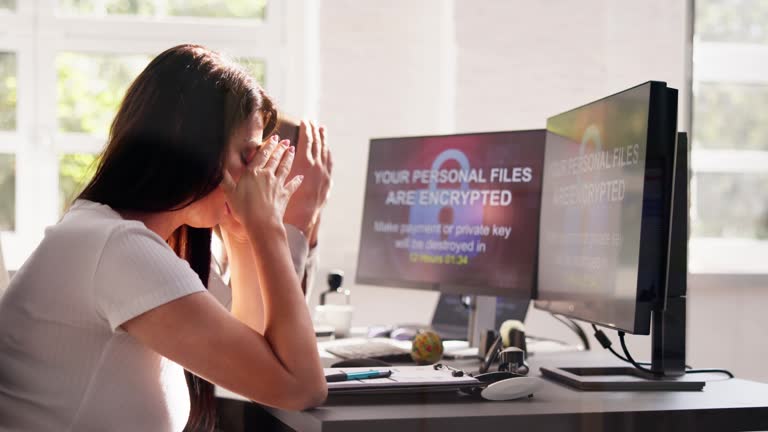
So far, 2026 is turning out to be a year full of scams and scammers.
In the hope of helping preventing someone from losing money to these scammers I plan on release several blog posts about this ongoing problem and how scammers do what they do.
I will also go over the various ways they convince people to send them money.
I hope you follow along for more.
In 2026 I’ve seen everything from malware stealing information to compromized company email accounts that were used to contact customers and vendors trying to get them to pay actual invoices by ACH transfers.
Those compromised accounts are also used to send emails to the contacts of that user in the hope of getting them to contact a scammer call center to get a refund for a fake charge from Best Buy, Norton, LifeLock, PayPal, Apple, Amazon, etc..
Those types of emails look more legitimate when they come from a verified email account and that helps them get past the spam scanners.
Basic Steps To Follow
Here is a list of things to check with any email that looks suspicious.
1: Do you know the person sending it. If so verify the email it came from by clicking beside their name. In most email programs it will show you the email address.
Even if everything matches up with someone you know. Then move to the other questions.
2: Does the email have any buttons or links they wish you to click on?
Such as Click Here to change your password, or Click Here to see your invoice.
If so, DON’T CLICK IT.
This is the biggest mistake I see. Users have a hard time with ignoring these emails and buttons. Most don’t understand the damage they can do until it doesn’t it to one of their systems.
3: Are there words misspelled or phrases that don’t make sense?
Look for anything that isn’t normal
These are all signs of scam email or one trying to gain access to your system.
That CLICK HERE button you left alone could have been Malware, Rasomware, they could have gained access to your system and take it over. It may allow them to steal all your passwords
Be Smart and Stay Safe
The biggest advice I can give everyone at this time is to question everything.
When we get complacent we make mistakes and that could lead you to losing thousands.
If a company says, Thank you for your payment and you don’t know anything about that charge. Call your bank and check your account to verify you were charged. Don’t call the number in the email and delete the email.
If an email appears to be from someone you know asking you to wire money or saying they will have a friend come pick up the money. Call them, verify if it was actually from them.
One big rule to remember if it doesn’t feel or sound right to you then STOP. Don’t do anything else. Call a friend and tell them and see what they think. If you ever end up on the phone with a scammer you will notice they don’t want you to answer any other calls or talk to anyone else.
This is a link from the FDIC on Avoiding scams and scammers.
https://www.fdic.gov/consumer-resource-center/2021-10/avoiding-scams-and-scammers
Comments are closed